











DAC Engineering Home Page


Other optional functions

The following optional functions are used for data saving.

  • "Harmony"...Software for data backup (Standard equipment)
    Symphony can store the data of up to 5400 types of products in the built-in Hard disc. This Harmony will transfer this data to the 3.5-inch floppy disc for backup and later process.
  • Defect filing function
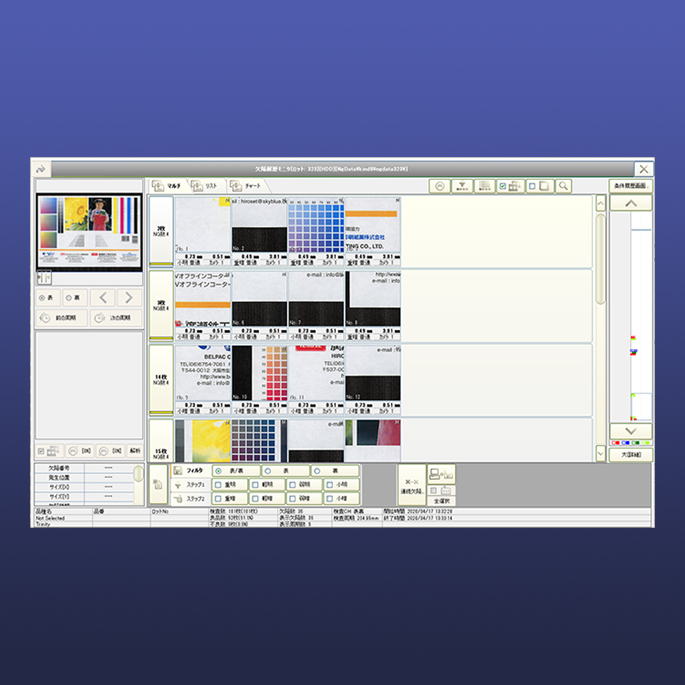
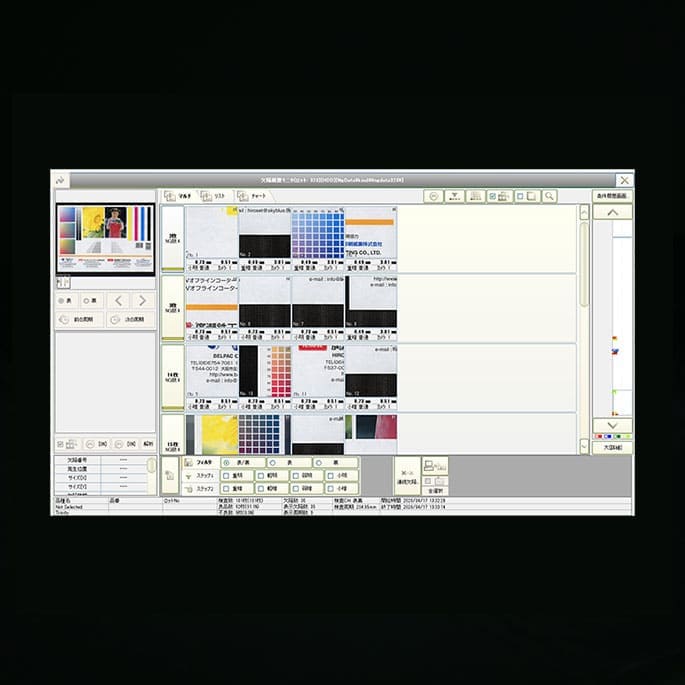
    By this function you can save the images of the defects which are detected by Symphony. In addition, you can easily and quickly check the data by using defect filling function and defect-record together.
    The image size to file defect is 128×128 in pixel. The number of the images saved in each inspecting cycle is up to 3. The maximum total number of the saved images is 1024 for the monochrome type of system and 256 for the color type of system. However, these saved images are erased once the Symphony is powered off. And so, we recommend you to install the digital image filing system, "Gallery" as an option in order to save the data for a long period.
  • Master filing function
    In addition to the defect-images saved by the defect filing function, this Master filing function saves the relevant Master. The comparison of the defect-images and the Master will enable you to figure out easily the location of the defect, which might have been difficult to be found on the defect-image only.
日本語サイト | Japanese Site
Copyright DAC Engineering. All rights reserved.
1-5, Oyanagi-cho, Kami-toba, Minami-ku,
Kyoto, Japan Zip code: 601-8128
Tel: +81-75-671-0681 Fax: +81-75-671-5049
Mail : info@dac-eng.co.jp