











|
Options for Gallery
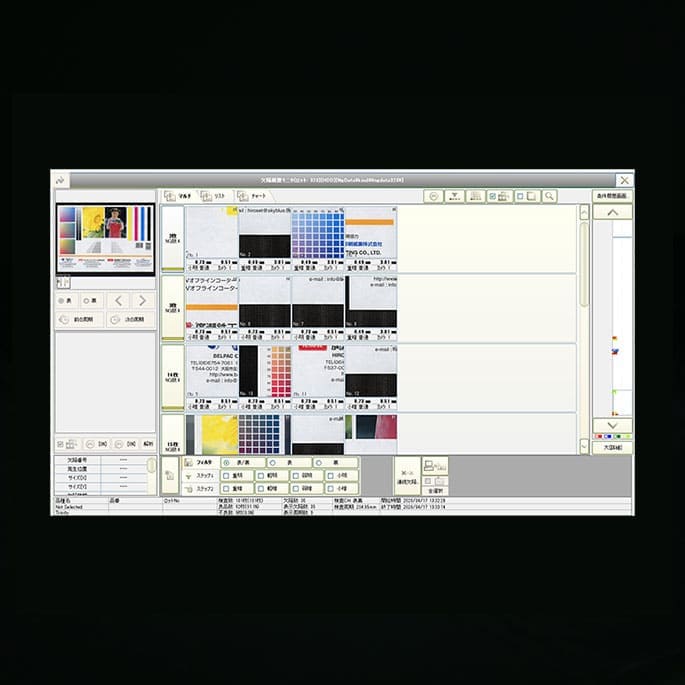
To use the following optional software, you need to install Gallery first. If you connect any device except for the options written below to PC, please ask us about it. If you want to connect other devices except the following options to PC, please feel free to ask us.
- "U link" - Optional software
The U link is the applications software for converting the data filed in Gallery into CSV format and outputting it.
- "Communicator" - Optional software
The Communicator is the applications software to create the necessary setting data for inspection in the PC and send the data to Symphony for inspection starting. Due to this software, you can do setting operation even at remote locations and need not the setting in Symphony. In addition, this software has such function as to back up the data, which is set on the Symphony side, in the PC.
- Ink-jet printer
By the Ink-jet printer, you can print out the images of Master and defective product, defect-record, and the data included in Gallery.
- Stock hard disc
This is a removal type. So, you can quickly replace it with new one and restart inspection if error occurs in PC on a sudden.
- Computer desk
This is sold on the open market. A wide variety of desks for dust proof and OA are lined up.
- UPS (Uninterruptible Power Supply) (Standard equipment)
UPS is built in as standard equipment in order to prevent sudden interruption of electric power supply. The battery maintains the power for about 5 minutes.
|
|